
Getting started
You can get an access to FinStat AML APIs in 4 simple steps.
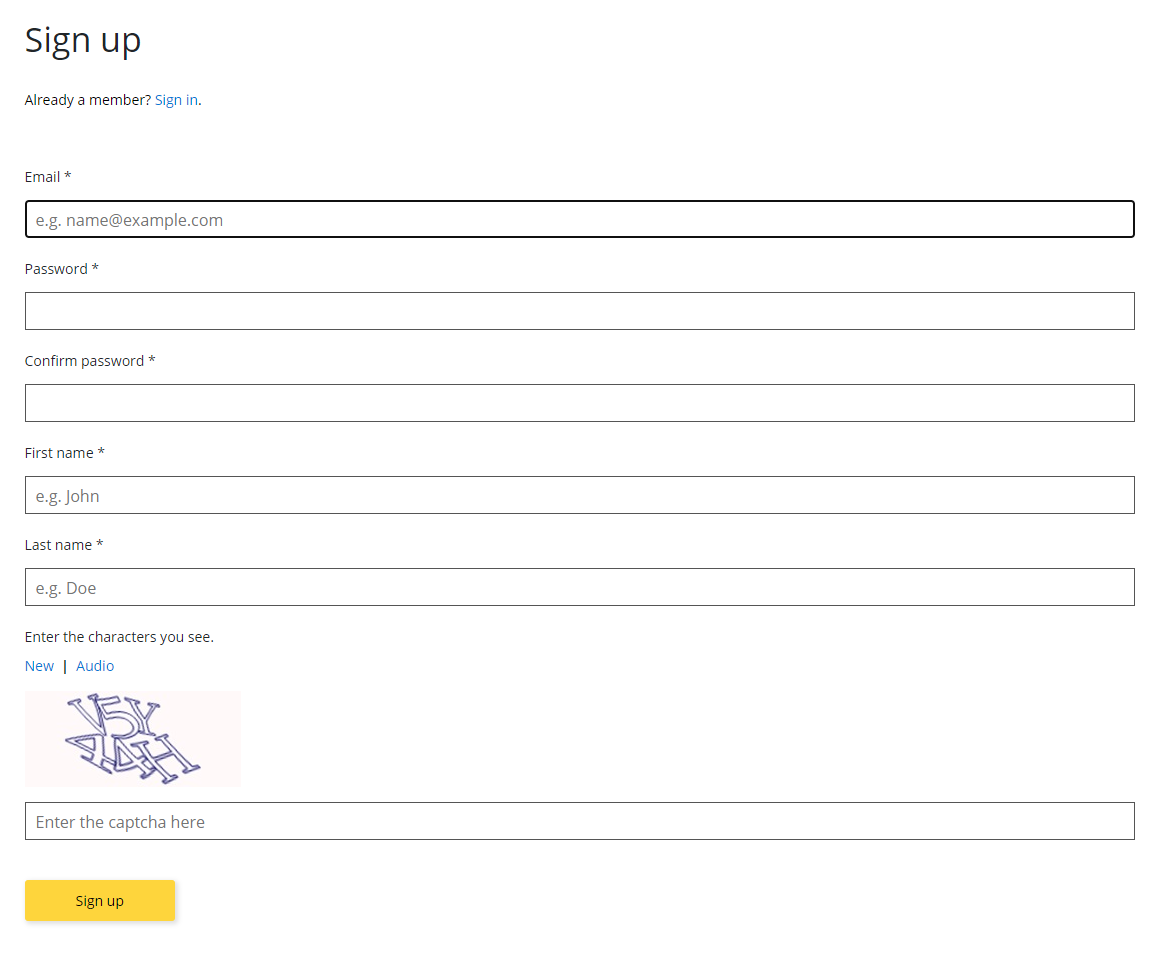
1. Sign up
Fill a short sign up form and click Sign up.
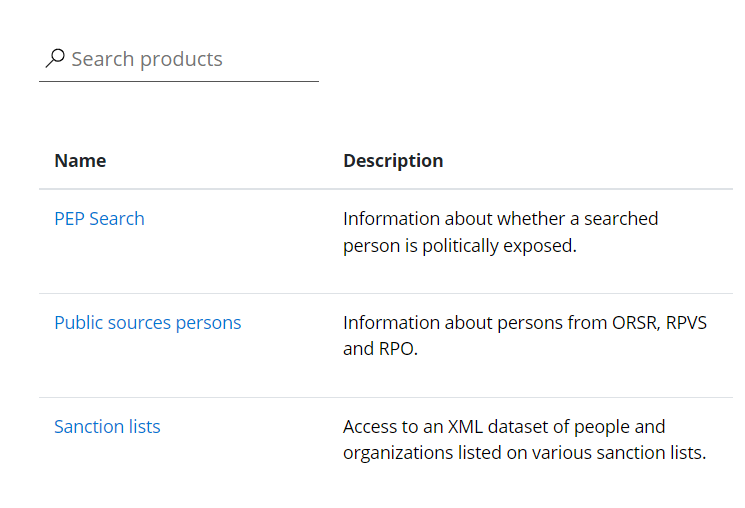
2. Choose a product
Choose a product you want to subscribe to by clicking its name in the list on the home page or products page.
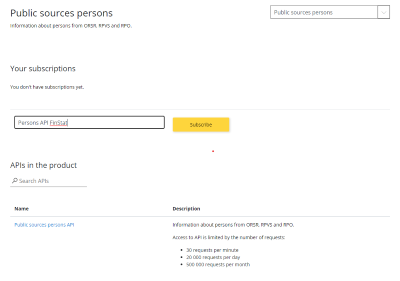
3. Subscribe to a product
After choosing a product you can subscribe to its APIs by entering a name of subscription (only for your reference) and click subscribe. You will be informed by an email about activating a subscription.
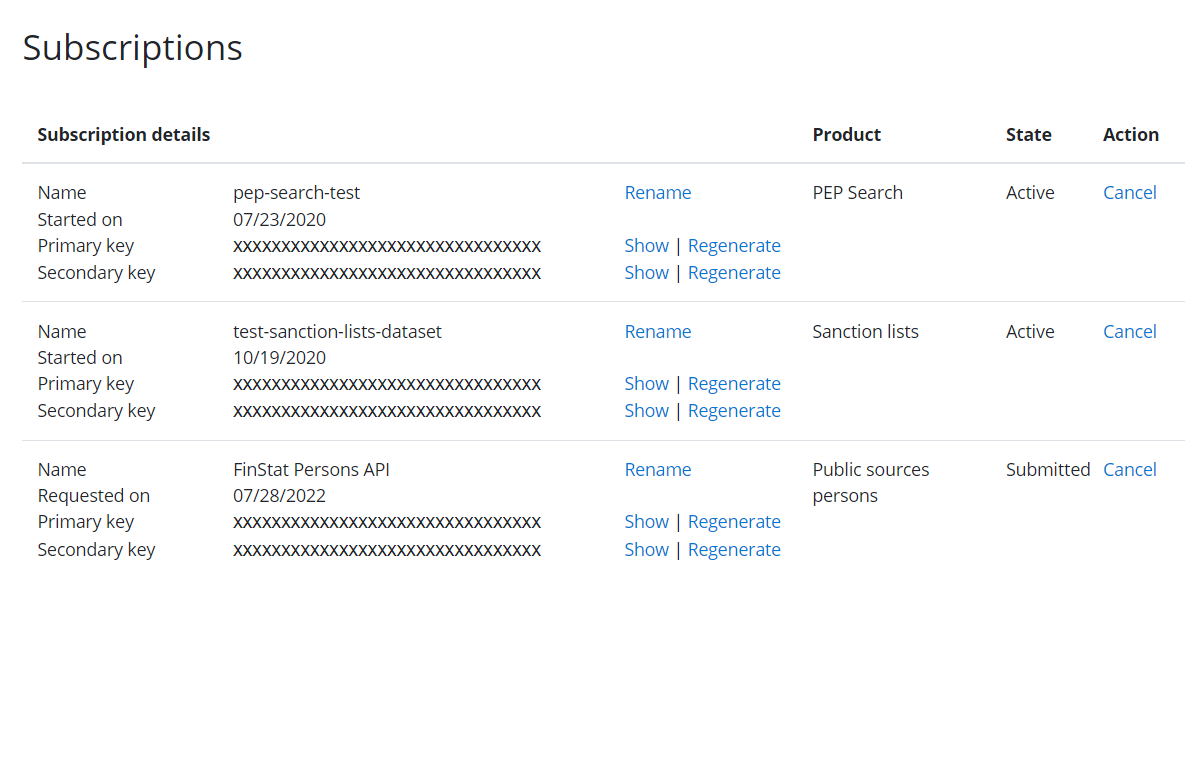
4. Manage subscriptions and API keys
You can view and edit your subscriptions with API keys on your profile page.